

Getting started with Pawgress
Creating your Pawgress account is the first step toward streamlining your dog training business. This guide will walk you through the simple account creation process, explain the different account types, and help you set up your initial login credentials.Step 1: Visit the Pawgress sign-up page
Navigate to the Pawgress homepage at pawgress.ca and click on the “Sign Up” button in the top right corner of the navigation bar.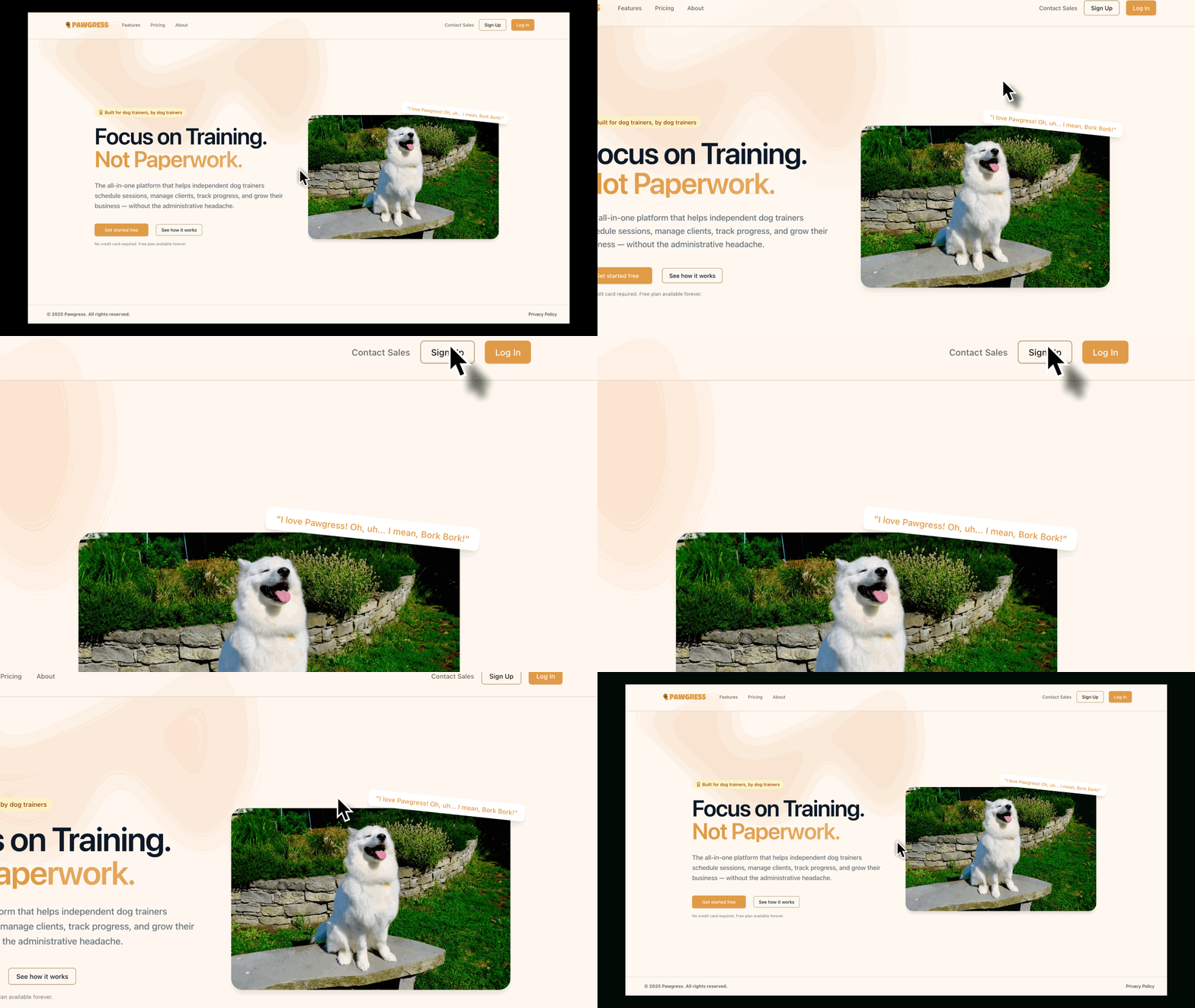
Step 2: Fill out your basic information
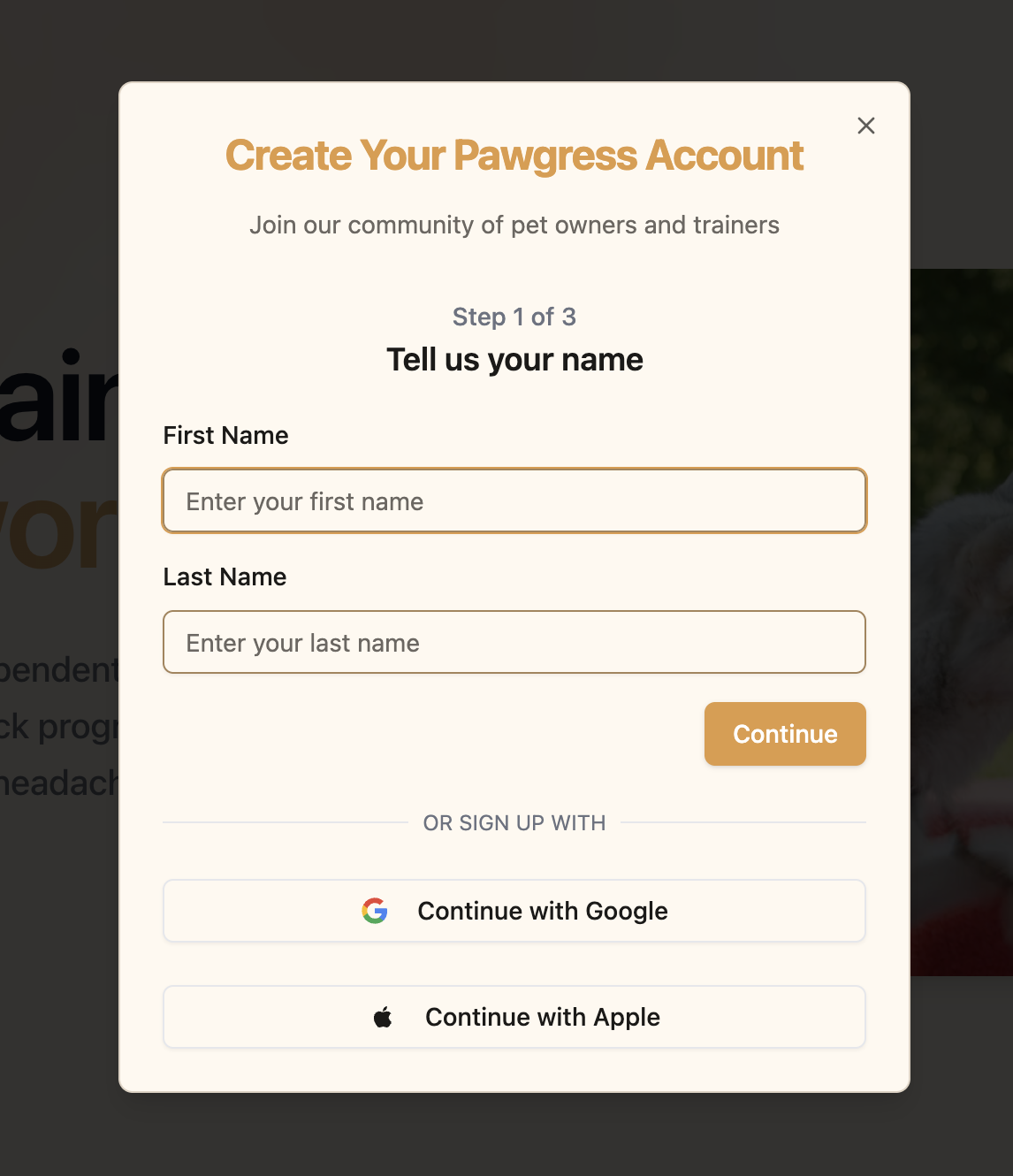
Next, you’ll need to provide some basic information to create your account:- First Name: Your first name
- Last Name: Your last name
- Email Address: This will be your username for logging in
- Password: Create a secure password (at least 8 characters with a mix of letters, numbers, and symbols)
- Confirm Password: Re-enter your password to confirm
Step 3: Choose your account type
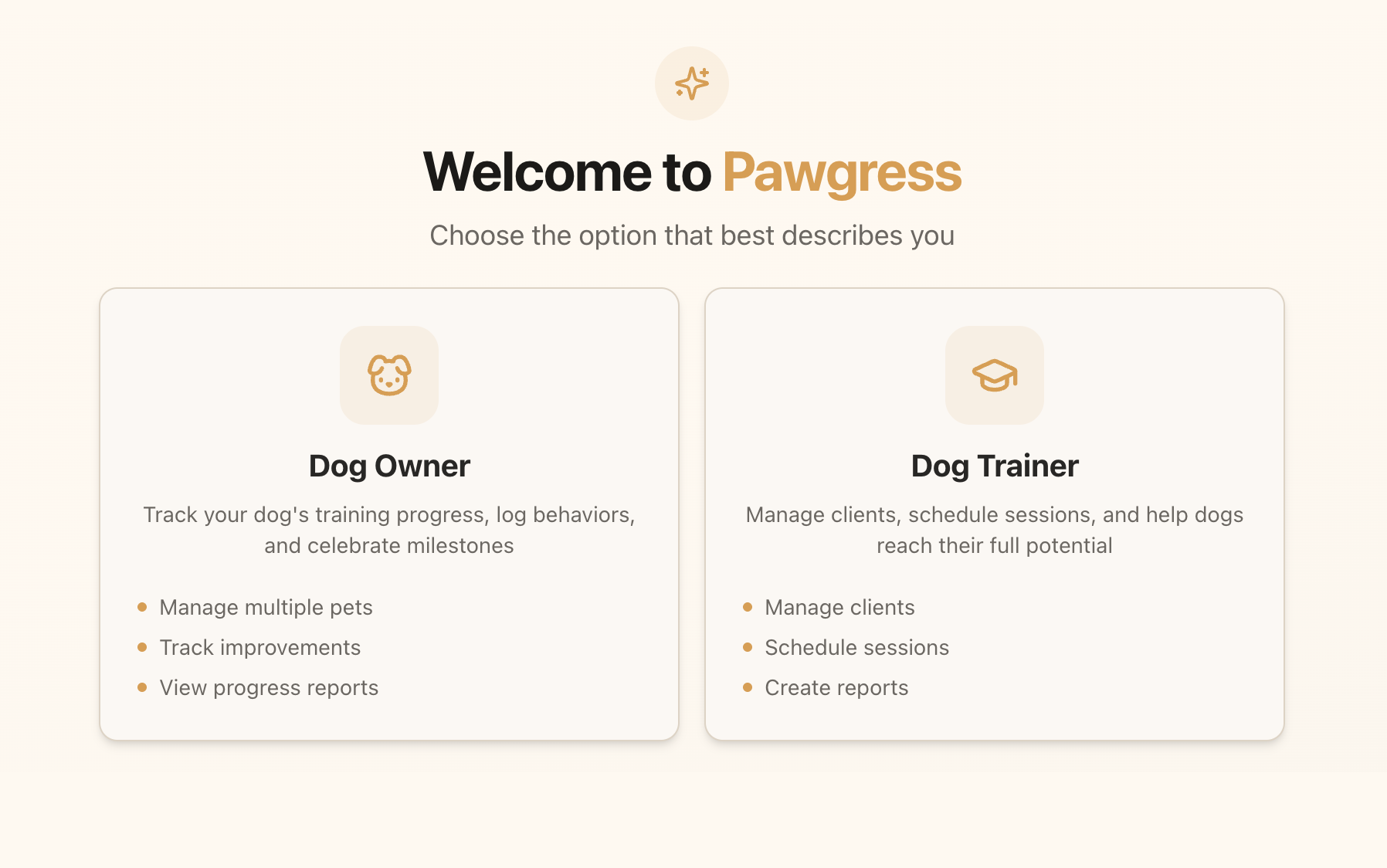
Pawgress offers two types of accounts:- Dog Trainer Account: For professional dog trainers who want to manage their clients, scheduling, and billing
- Client Account: For dog owners who want to book sessions with their trainer (Note: Clients are typically invited by their trainers)
Step 4: Verify your email address
After submitting your information, you’ll need to verify your email address:- Check your email inbox for a message from Pawgress
- Click on the “Verify Email Address” button in the email
- If you don’t see the email, check your spam folder
- You can also request a new verification email from the login page
Step 5: Complete your initial login
Once your email is verified, you’ll be directed to the login page:- Enter your email address
- Enter your password
- Click “Log In”
Alternative Sign-up Methods
For convenience, Pawgress also offers these alternative sign-up methods:- Google Sign-In: Click the “Continue with Google” button to use your Google account credentials
- Apple Sign-In: Click the “Continue with Apple” button to use your Apple account credentials
Need help signing up?If you encounter any issues during the sign-up process, our support team is here to help. Contact us directly through the support page or email us at support@pawgress.ca.
Next Steps
Now that you’ve created your Pawgress account, you’re ready to:- Upgrade to Pawgress Pro - Start your 90-day free trial to unlock all features
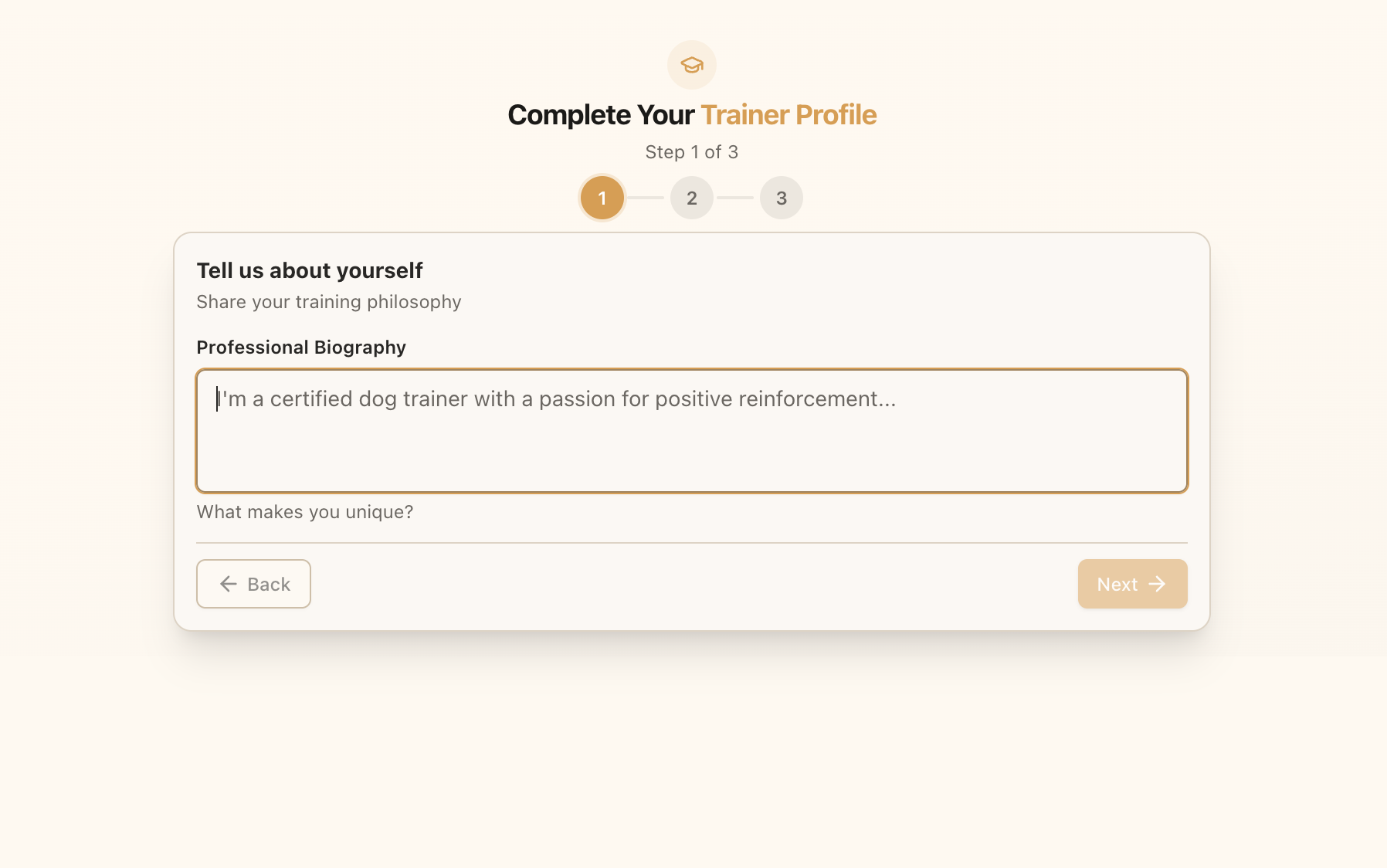
- Set up your trainer profile
- Learn about your dashboard
- Add your first client