

Getting to know your dashboard
Your Pawgress dashboard is the command center for your dog training business. It provides at-a-glance information about your clients, pets, upcoming sessions, and business performance—all designed to help you stay organized and focused on what matters most.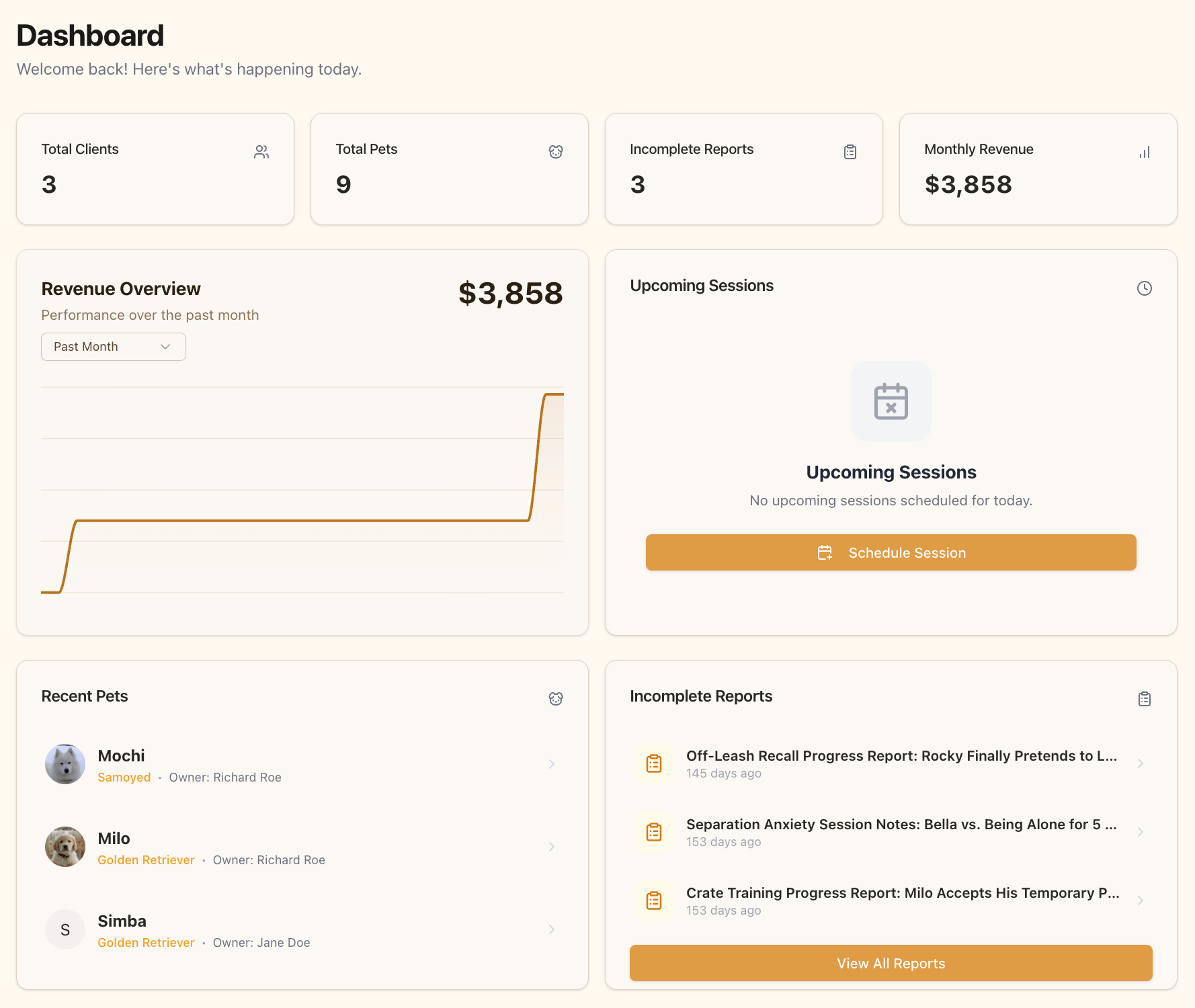
Key Dashboard Elements
Stats Overview
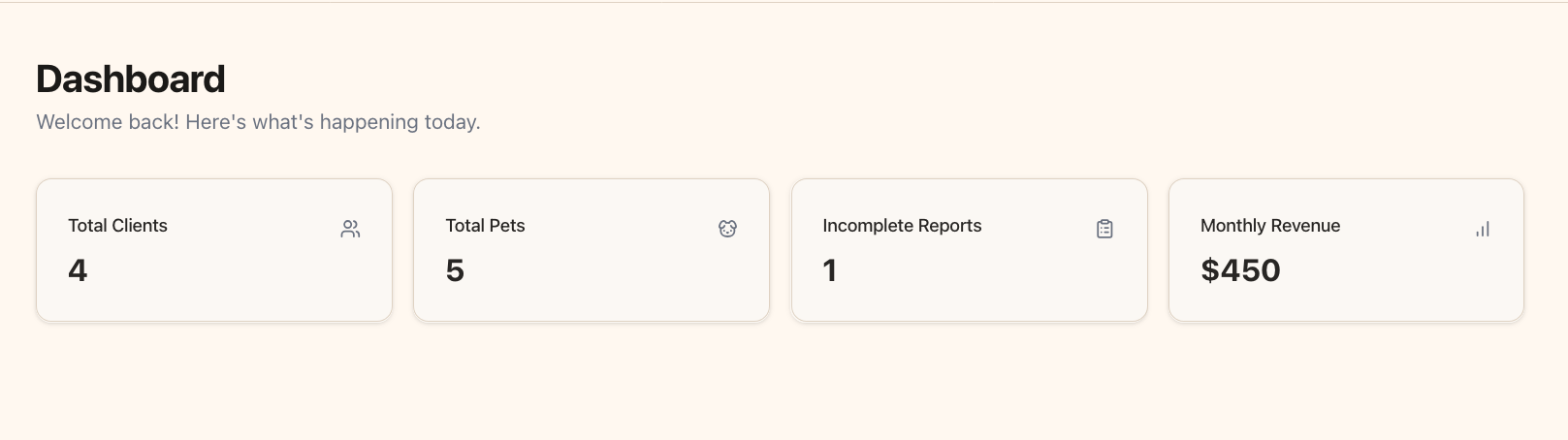
At the top of your dashboard, you’ll find quick stats that give you an immediate snapshot of your business:- Total Clients: The number of clients you’re currently working with
- Total Pets: The number of pets you’re currently training
- Incomplete Reports: Training reports you’ve started but not yet finalized
- Monthly Revenue: Your current month’s earnings (Pro feature)
Revenue Chart (Pro Feature)
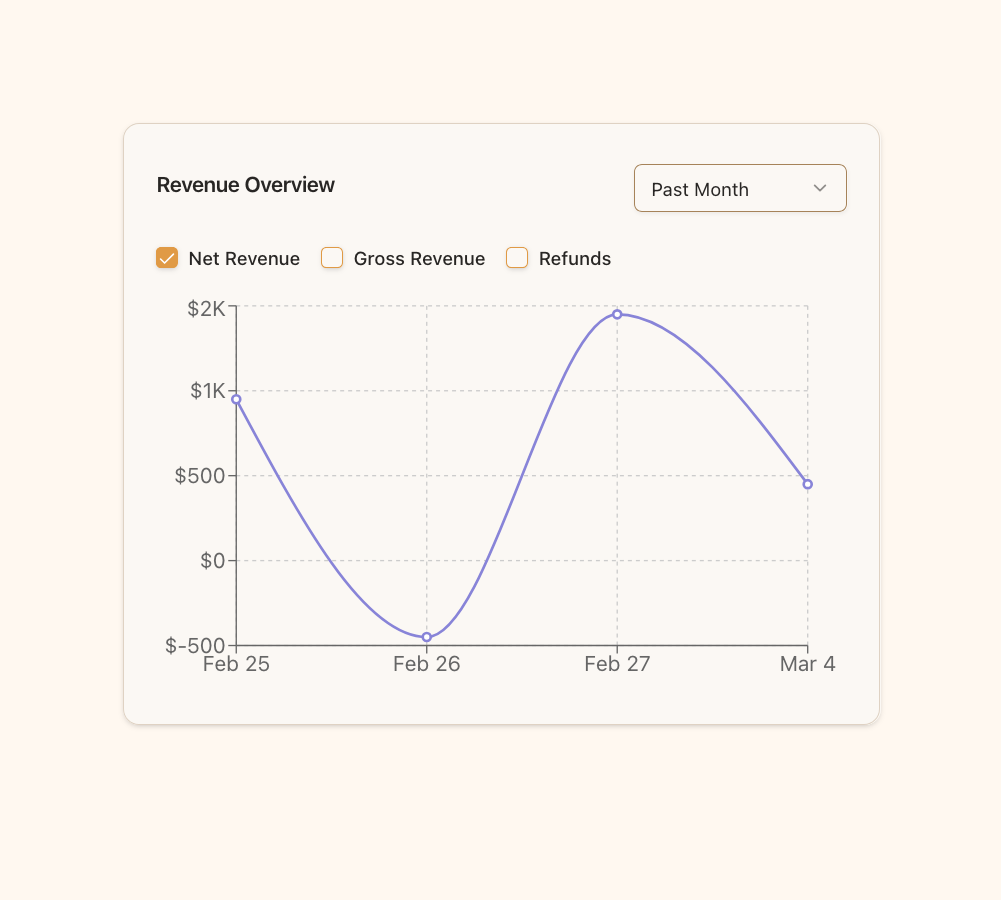
For Pro users, the Revenue Chart provides a visual representation of your earnings over time:- Track your revenue trends with an interactive chart
- Compare month-to-month earnings
- Identify seasonal patterns in your business
- Set and monitor income targets
Upcoming Sessions
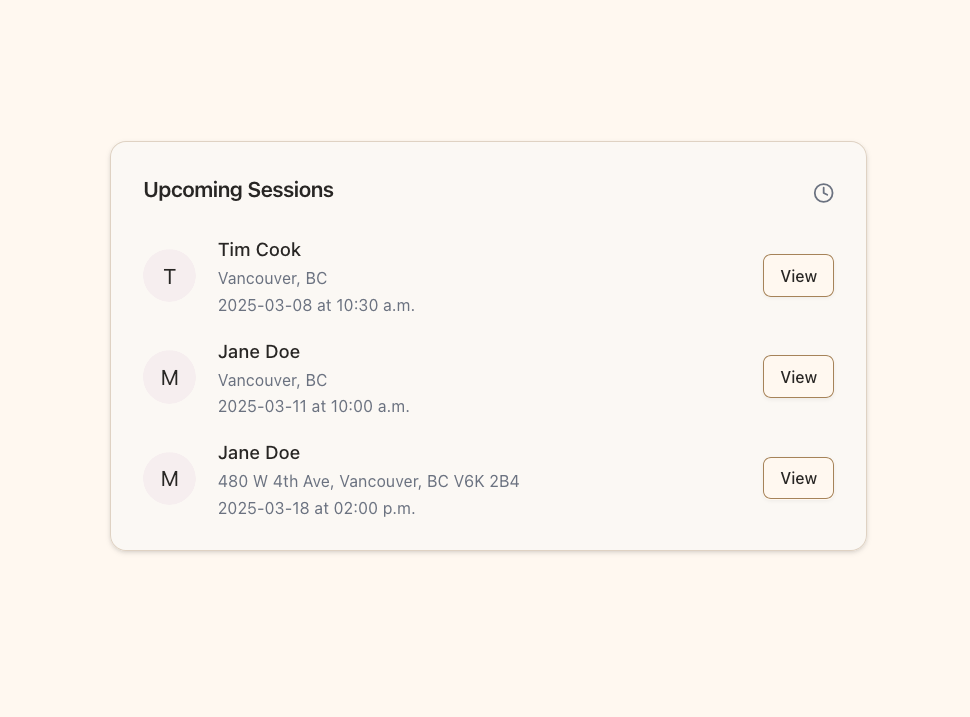
Never miss an appointment with the Upcoming Sessions card:- View your next scheduled training sessions
- See client names, locations, and session times at a glance
- Click “View” to access complete session details
- Prepare for your day with all relevant information in one place
Recent Pets
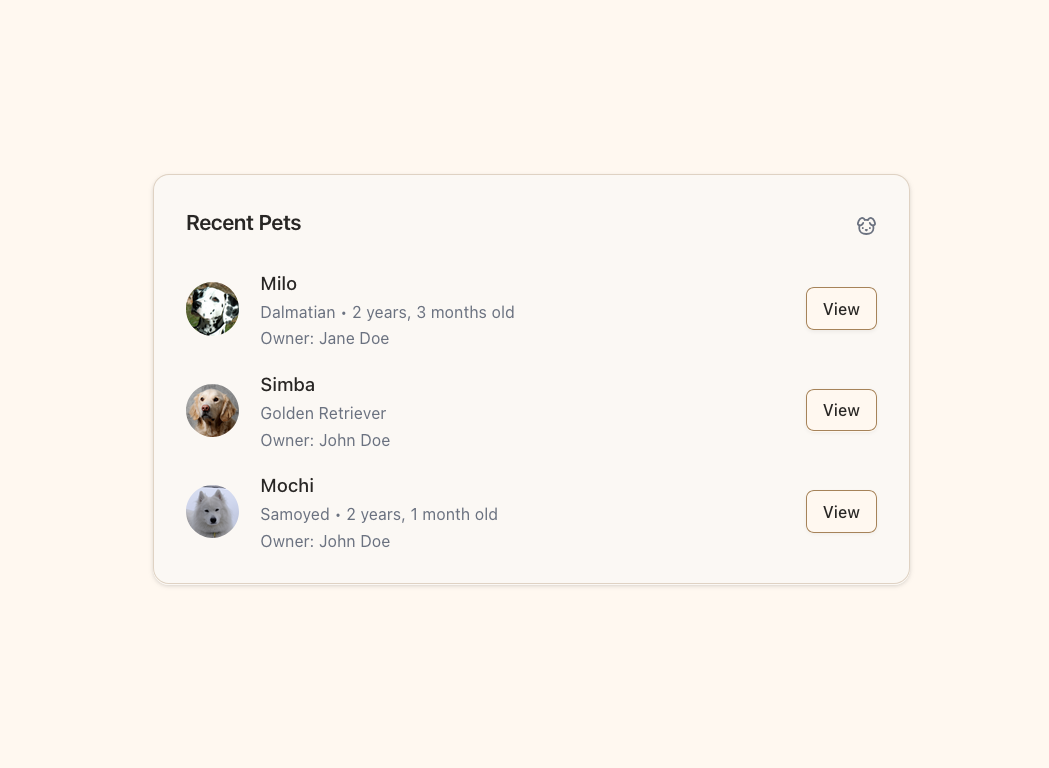
The Recent Pets card helps you stay connected with your newest clients:- See recently added pets with their basic information
- Quick access to pet profiles including name, breed, and age
- Owner information displayed for easy reference
- One-click access to detailed pet profiles via the “View” button
Incomplete Reports
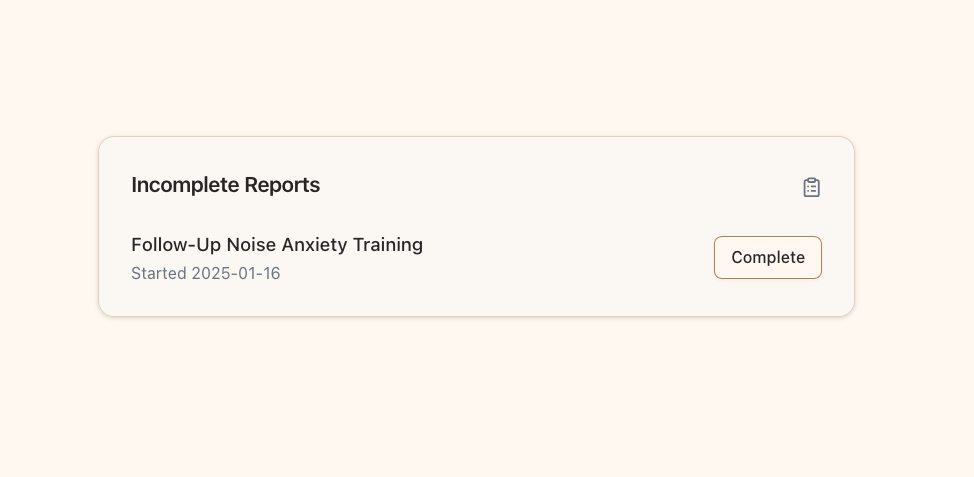
Stay on top of your administrative tasks with the Incomplete Reports card:- Track training reports that still need your attention
- See report titles and when they were started
- Click “Complete” to finish and submit pending reports
- Keep your documentation current and professional
Learn more about creating and managing training reports in the Training Reports guide.
Client and Pet ContextWhen you select a client and pet to work with, Pawgress remembers your selection throughout your session. If you attempt to view a different client or pet’s information from your dashboard, you’ll be asked to confirm the switch to maintain your workflow context.
Pro Features vs. Standard
Your dashboard adapts based on your subscription level:Standard Features
- Total clients, pets, and incomplete reports stats
- Recent pets overview
- Incomplete reports tracking
Pro Features
- Monthly revenue statistics
- Revenue trends chart
- Upcoming sessions view
- Enhanced business analytics
Next Steps
Now that you’re familiar with your dashboard, you may want to explore:- Adding your first client
- Creating training packages
- Scheduling your first session
- Setting up your availability